1. Start ISM
2. Add a folder
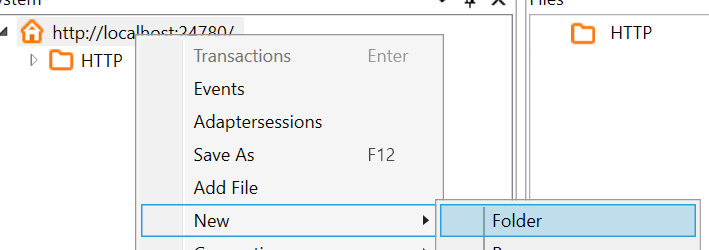
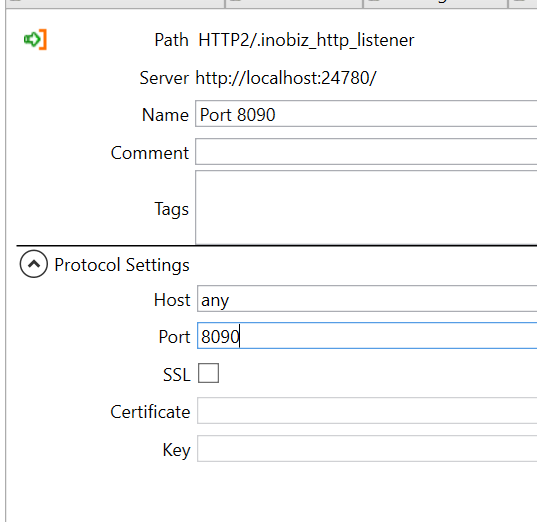
3. Add a HTTP Listener to the folder:

4. Pic port and Certificate if you are going to use SSL. The cert must be in pem format and press save.
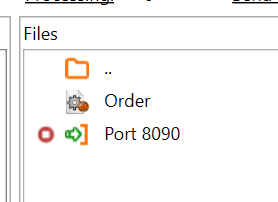
5. Upload an .cep from DS with drag and drop to the Folder.
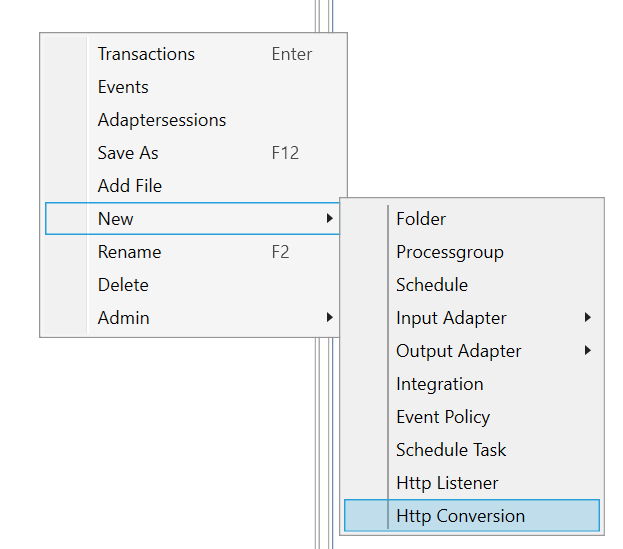
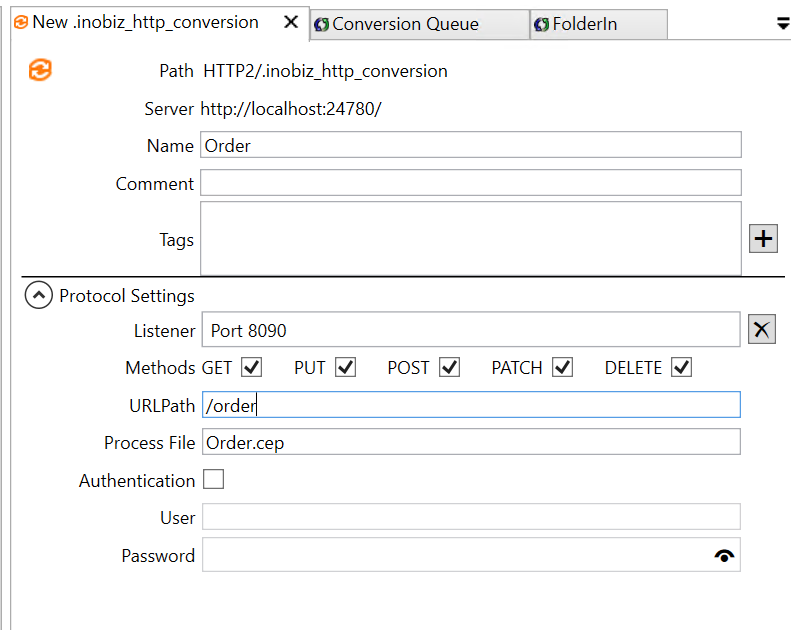
6. Create a HTTP Conversion in the folder.
7. Give it a name and Drag and drop the Listener and the Process File.
Pic Methods that you want to use and the URLPath
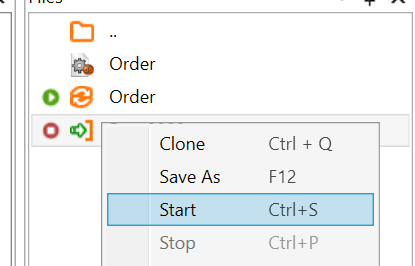
9. Start the Listener and Conversion:
10. Test run:
0 Comments