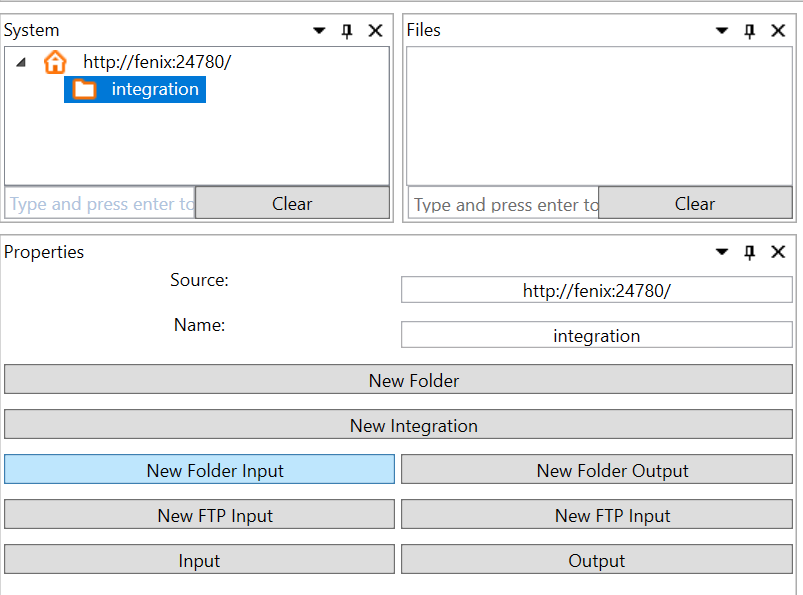
1. Start by creating a Folder for the integration, adapters and conversion.

2. Create an Input Adapter in the folder.
3. Fill in settings for the adapter. For the Folder Input adapter, you only need to fill in the Name and Folder path
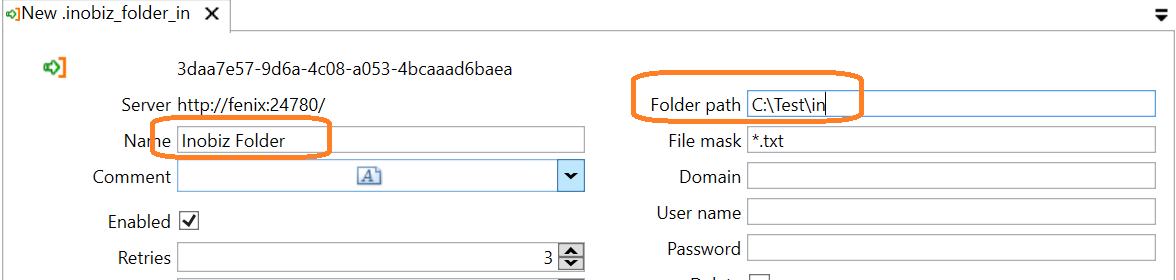
4. Do the same with an Output Folder Adapter.
5. Upload a mapping(.cep file):
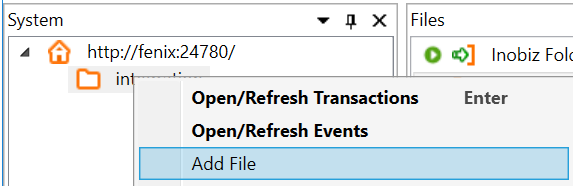
5. Create a New Integration
6. Drag and drop the in and out-adapter to the integration and the mapping to process:
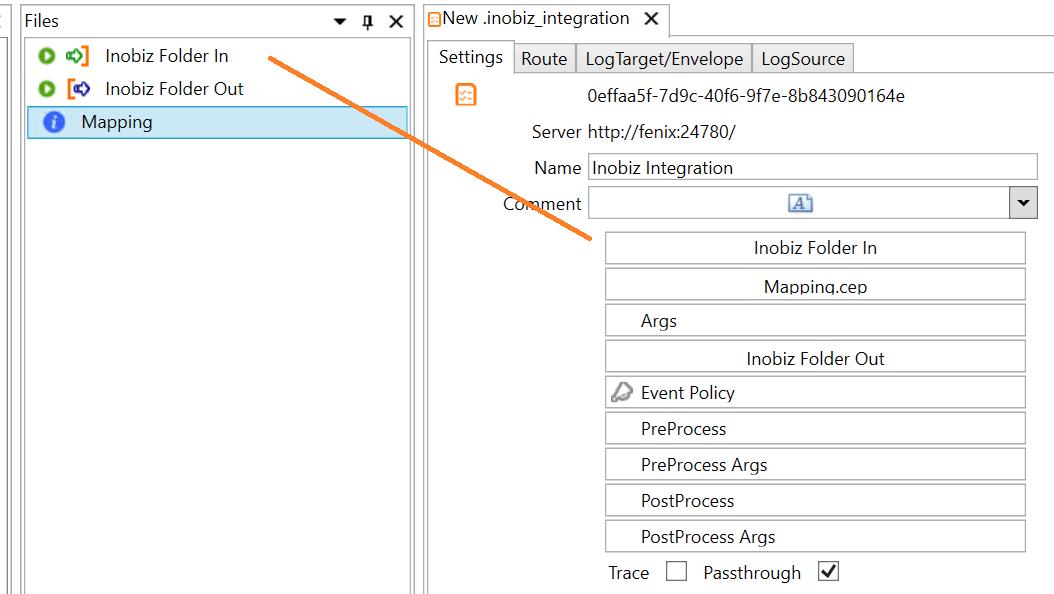
7. Uncheck Passthrough, as we're using a convertion, save the integration and run it.
0 Comments