WebTM Access Setup
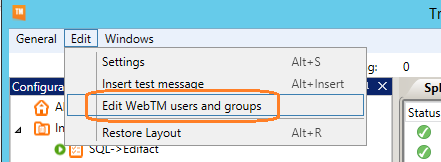
Under "Edit" and "Edit WebTM users and groups" add or edit users and groups.
Users can be added to groups in wich case they receive the access rights that the group as been assigned. A user can be in more the one group.
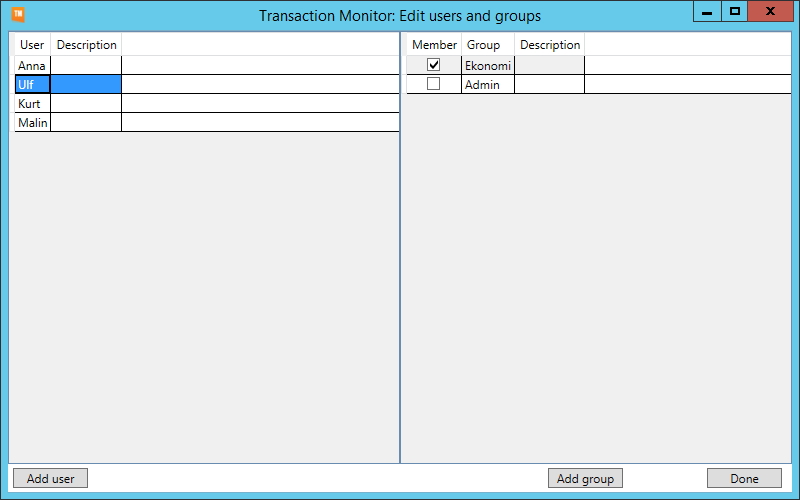
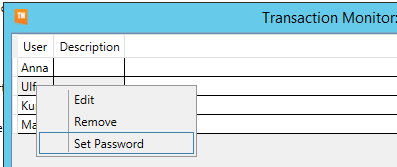
Set Password:
Add user to se an integration:
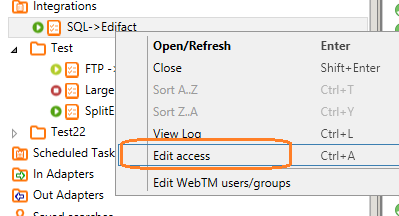
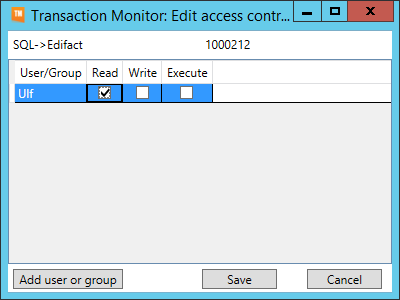
To allow a WebTM user to see a certain integration right click on that integration then click "Edit access". In the dialog add that user or the users group, then check the "Read" checkbox and save.
0 Comments